

Most businesses have no problem acquiring leads, but the only problem is the quality of the leads.
The quality of leads is much more important than the number of leads you have. Otherwise your sales team may end up chasing low quality or irrelevant leads who are probably not even your target customers.
The solution to this is building qualification into your system before leads even reach sales. This helps in following up with only those leads who are interested in your services.
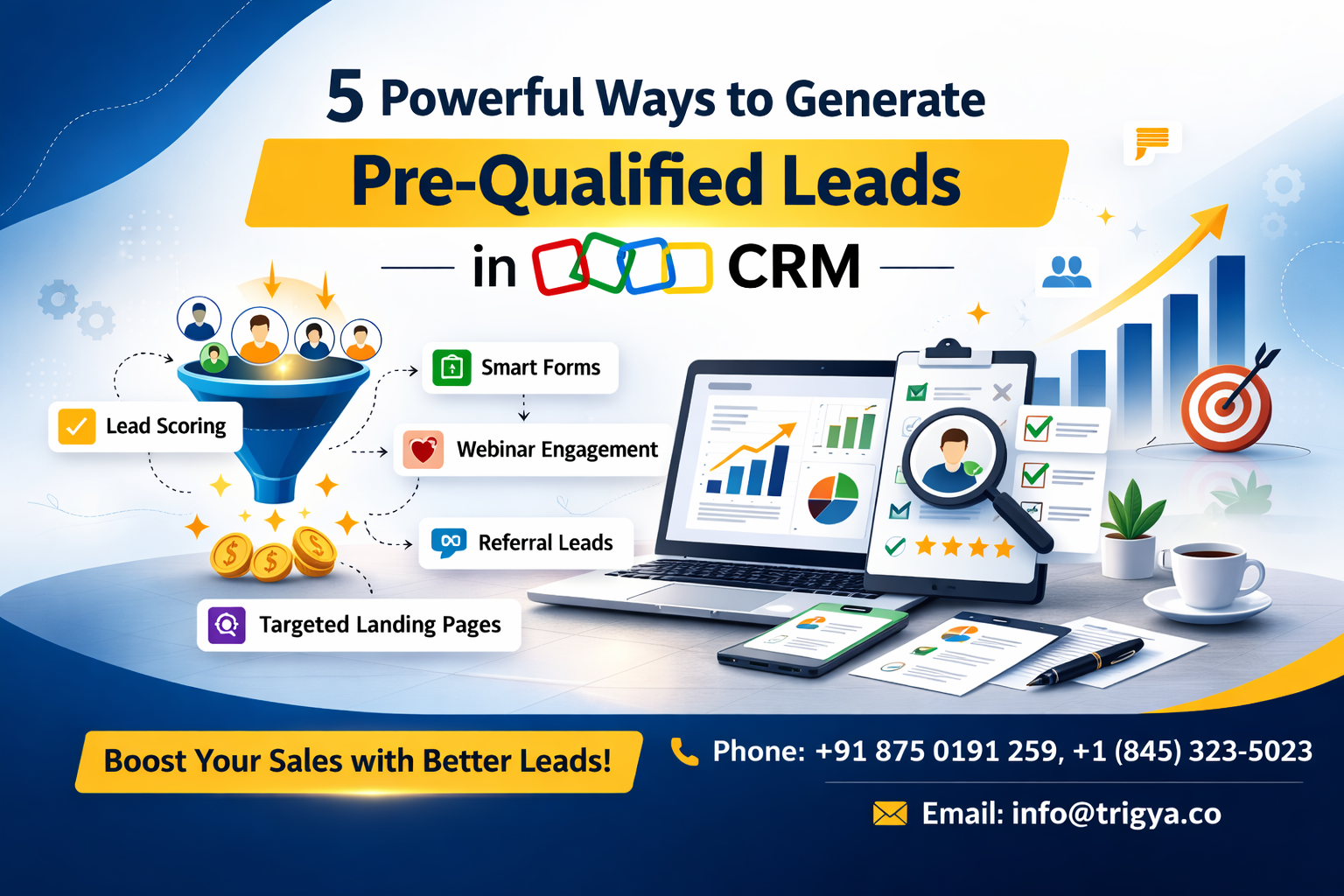
Here are five practical ways to generate pre-qualified leads using Zoho CRM and its ecosystem.
1. Smart Forms That Filter Leads Before Entry
This is a simple yet efficient way to filter unqualified leads upfront. For this, you need have forms that ask for specific details such as company size, role/decision making authority (C-suite, manager, etc.), specific service interest, and budget. You can tailor it however you require it to be.
Example :
- Estimated Budget?
- When do you plan to start? (Immediately / 1–3 months / 6+ months)
- Company size?
If you’ve Zoho One, you probably also have access to Zoho Forms, a robust platform for generating forms of all kinds. You can map the fields of a form directly into your Zoho CRM.
Here’s how it works :
- Map fields directly into the CRM
- Set lead scoring rules
- Auto-assign sales reps based on budget or region
- Auto-mark high-budget leads as “Marketing Ready”
This way, your sales team will reach out to only those people who are ready to buy or those who are highly likely to buy from you.
2. Convert Demo Bookings Directly Into Deals
If a person books a demo from you, chances are they’ve high intent to buy. So, instead of treating demo requests like normal leads:
- Automatically create a Deal record
- Assign it to a salesperson
- Trigger follow-up workflow
- Set deal stage to “Demo Scheduled”
This way, you remove friction and make it easier for the prospect to move directly into the pipeline.
In Zoho CRM, you can:
- Use Webforms – Embed a form on your website that automatically captures visitor details and creates a Lead or Deal in your CRM
(or)
Zoho Bookings – Add a live calendar to your website so visitors can schedule a demo, which instantly syncs with Zoho CRM and creates a pipeline record.
- Create workflow rules
- Convert specific lead sources into Deals automatically
3. Auto-Score Webinar Attendees
When you conduct webinars, you can assign a score to them based on engagement instead of treating all attendees equally.
Score based on engagement:
When you use Zoho Webinar, it automatically tracks:
- Registered but didn’t attend → Low score
- Attended <10 minutes → Medium
- Stayed >30 minutes → High score
- Asked questions → Very high score
If you use Zoho Marketing Automation, assign score based on:
- Email opens
- Clicks
- Website visits
- Form submissions
These scores are pushed to Zoho CRM and updated in the Lead or Contact record’s “Lead Score” field, allowing your sales team to prioritize high-engagement prospects instantly.
4. Leverage Referral Submissions as High-Trust Leads
Whenever you get referral leads, the chances of closing are significantly high. This is because the trust is already built, and the job of your sales team is already done to a large extent.
So, don’t mix them with general inquiries, instead :
- Create a separate Lead Source: “Referral”
- Auto-mark as Marketing Qualified
- Assign to senior sales rep
- Trigger personalized outreach workflow
In Zoho CRM:
- You can use field-based workflows
- Auto-prioritize in pipeline
- Set higher lead score
5. Use Persona-Based Landing Pages for Paid Ads
When you run paid ads for multiple services, do not send everyone to one generic landing page.
Instead, personalise the landing pages for specific personas (Ex: Healthcare business owners, manufacturing companies, SaaS founders)
Each page should speak directly to that audience and ask relevant qualifying questions.
Create focused pages like ERP for Manufacturing, CRM for Healthcare, Automation for SaaS
When someone fills out the form, Zoho CRM can:
- Capture the lead source and landing page details
- Automatically segment by industry
- Assign the right salesperson
- Route the lead to the correct pipeline
Key Takeaway :
Every unqualified lead costs you resources, sometimes a lot. Pre-qualification improves the quality of leads dramatically, improves close rate, reduces the length of the sales cycle, increases revenue predictability, and most of all, it keeps your CRM data clean.
If you want Zoho CRM to filter low-quality leads, prioritize high-intent prospects, and improve close rates, it needs the right structure and automation.
Trigya Innovations, your premium Zoho partner, can set up your Zoho CRM so you get better-quality leads. Call us today at +91 875 0191 259 and let’s get your CRM working the right way.