


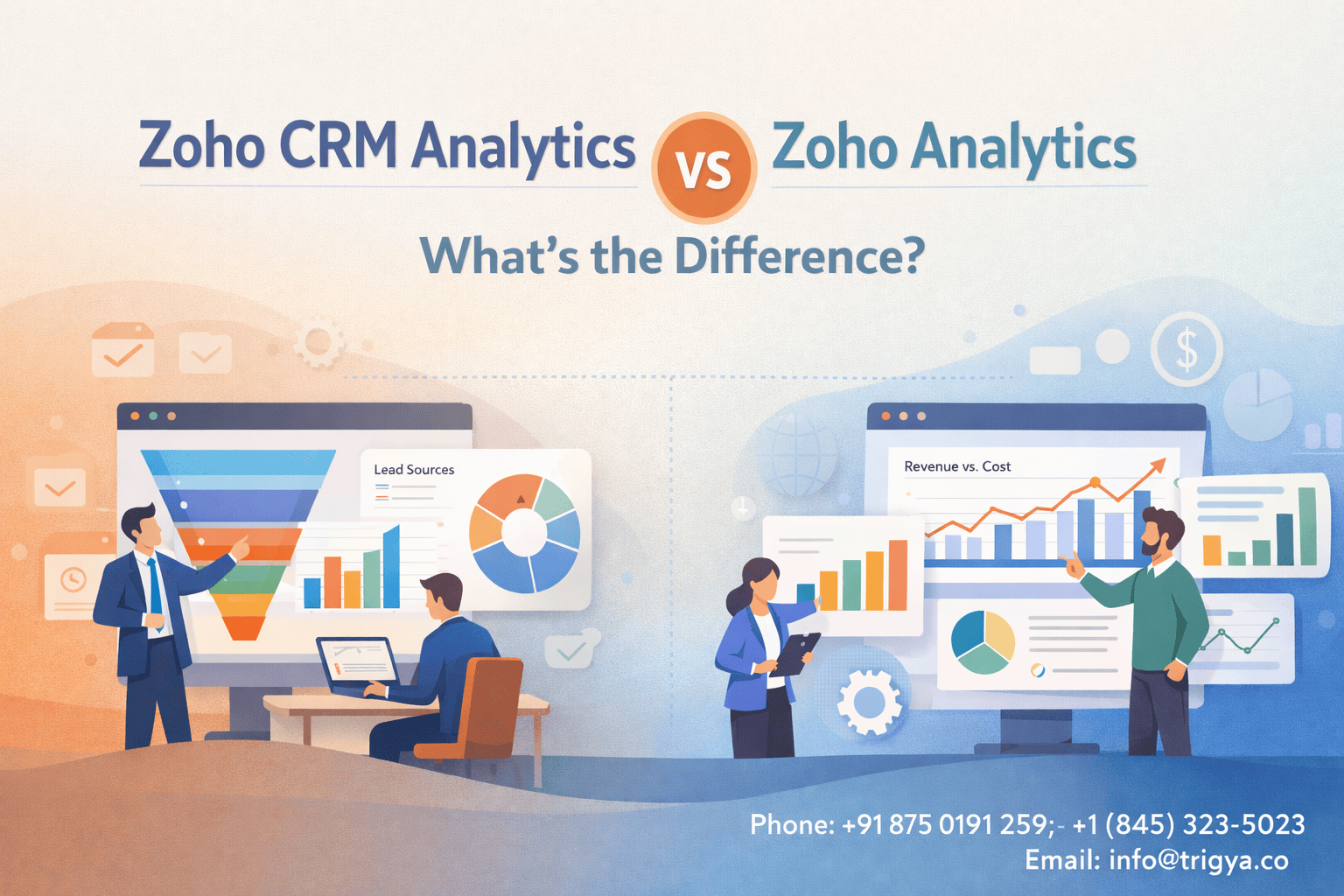
Businesses generate a large amount of customer data, including leads, deals, revenue, campaign performance, and sales activities. But raw data alone does not help. What matters is how easily your team can turn that data into clear insights.
If you use Zoho products, you will come across two analytics options: Zoho CRM Analytics and Zoho Analytics. They sound similar, but they serve different purposes.
Understanding when to use each one helps teams make faster decisions and avoid unnecessary complexity.
Zoho CRM Analytics: Built for Sales Teams
Zoho CRM Analytics refers to the reports and dashboards built directly inside Zoho CRM. It focuses purely on CRM data.
This means you can quickly analyze:
- Lead sources
- Sales pipeline movement
- Deal win rates
- Sales team performance
- Activity tracking (calls, meetings, follow-ups)
Everything is already connected because the data lives inside Zoho CRM.
What makes it useful
- Quick insights without setup
Sales managers can instantly see pipeline status and revenue forecasts. - Sales-focused dashboards
You can monitor deal stages, conversion rates, and sales rep performance. - Real-time CRM data
The reports update automatically as the CRM data changes. - Easy for sales teams to use
Most reports are pre-built and require minimal configuration.
Example
A sales manager wants to know:
- Which lead sources generate the most deals
- Which sales reps close the highest value deals
- How many deals are stuck in the negotiation stage
All of this can be answered directly inside Zoho CRM Analytics. For most sales reporting needs, this is usually enough.
Zoho Analytics: Advanced Business Intelligence
Zoho Analytics is a full business intelligence (BI) platform. Instead of analyzing only CRM data, it combines data from multiple systems.
You can connect data from:
- Zoho CRM
- Zoho Books
- Zoho Marketing Automation
- Google Ads
- Facebook Ads
- Excel or databases
- External applications
This allows businesses to create cross-department insights.
What makes it powerful
- Multi-source data analysis
Combine marketing, sales, finance, and operations data. - Advanced dashboards
Build complex dashboards that show the full business picture. - Custom calculations
Create metrics like CAC, LTV, revenue forecasting, and ROI. - Automated reporting
Schedule reports to be sent automatically to leadership teams. - AI-powered insights
Use Zia to ask questions like “What caused the drop in revenue last month?
Example: When Zoho Analytics Becomes Necessary
When you want to answer questions like:
- Which marketing campaigns produce the highest revenue?
- What is the cost per acquisition from Google Ads vs Facebook Ads?
- How does marketing spend compare with actual sales revenue?
- Which regions generate the highest lifetime customer value?
These answers require combining CRM data with marketing and finance data.
Zoho CRM alone cannot provide that level of analysis.
This is where Zoho Analytics becomes valuable.
Key Differences
| Feature | Zoho CRM Analytics | Zoho Analytics |
| Purpose | Sales reporting | Business intelligence |
| Data sources | Only CRM data | Multiple data sources |
| Setup complexity | Very simple | Moderate |
| Use cases | Pipeline tracking, sales performance | Revenue analysis, marketing ROI, business dashboards |
| Best for | Sales managers | Leadership and operations teams |
How to Decide Which One You Need
Use Zoho CRM Analytics if you want to:
- Track sales pipeline
- Monitor sales team performance
- Understand lead conversion
- Generate quick CRM reports
Use Zoho Analytics if you want to:
- Combine data from multiple tools
- Measure marketing ROI
- Build executive dashboards
- Analyze business performance across departments
Many growing companies actually use both. Sales teams track day-to-day performance in Zoho CRM, while leadership uses Zoho Analytics for deeper business insights.
Final Takeaway
Zoho CRM Analytics helps sales teams understand what is happening in the pipeline.
Zoho Analytics helps businesses understand why it is happening and how to improve it.
If your focus is simple sales reporting, Zoho CRM analytics is enough.
If you want deeper insights across marketing, sales, and finance, Zoho Analytics becomes essential. Choosing the right tool ensures your data leads to better decisions, not just more reports.