

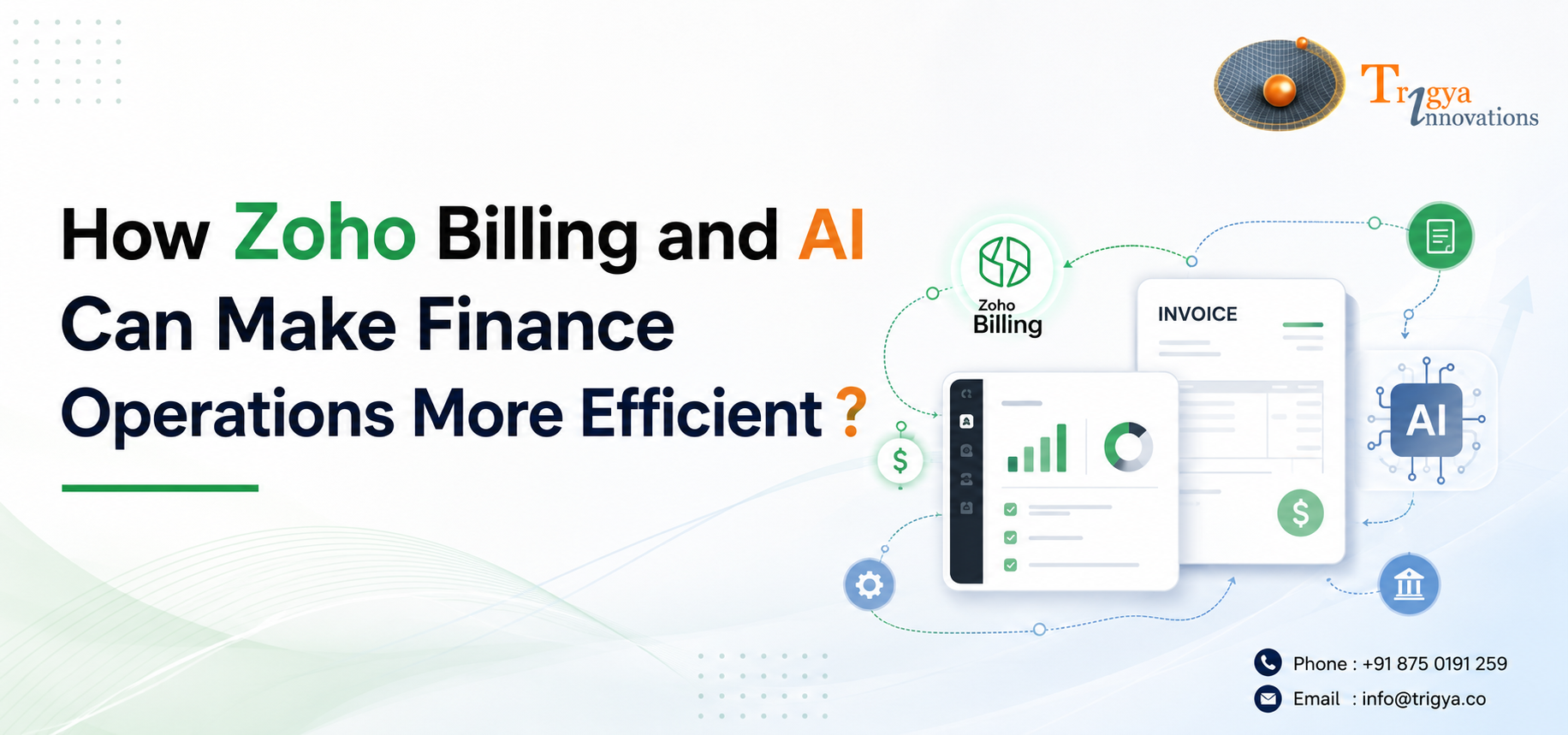
Managing finances manually takes more time than most businesses realize. Chasing invoices, pulling reports, and tracking payments are tasks that repeat every month without adding much strategic value. The good news is that the combination of Zoho Billing and AI is making it possible to handle most of this faster and with less effort.
Here is what that actually looks like in practice.
Why Finance Tasks Take Longer Than They Should
The data is usually all there. It sits inside your billing platform, your CRM, your accounting tool. The problem is the effort it takes to get it out in a useful form.
Finance professionals today still spend nearly 40% of their time on manual, automatable tasks such as data gathering, payment follow-ups, and reconciliation, according to a 2025 SMB Financial Planning Technology Adoption Report. That time adds up quickly, especially for small teams where everyone is already stretched.
The shift happening now is not about replacing finance teams. It is about removing the repetitive work so people can focus on decisions instead of data collection.
What Zoho Billing and AI Actually Do Together
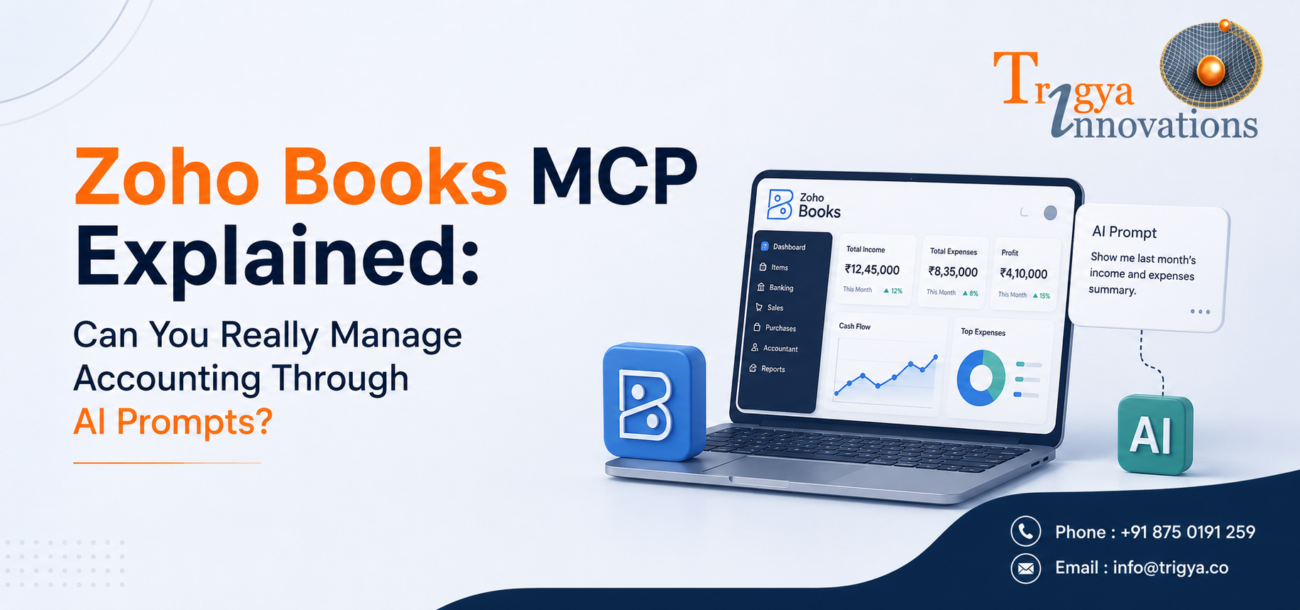
Zoho introduced MCP (Model Context Protocol), an open protocol that connects your Zoho Billing data directly to AI models like Claude. Once connected, you can create invoices, track payments, pull reports, and manage customers through plain-language prompts, without logging into Zoho Billing manually.
Zoho’s documentation describes a practical example: a Finance Manager who used to spend hours each week on overdue invoices can now simply type “List all customers with invoices overdue by 30 days”, and gets the results instantly. What used to take half a morning is done in minutes.
Some of the tasks this makes easier:
- Pulling overdue invoice lists on demand
- Generating aging reports without navigating dashboards
- Creating and updating invoices through simple prompts
- Checking customer payment histories quickly
It is not traditional automation where you set up rules in advance. It is more like having a knowledgeable assistant who can read your billing data and act on it when you ask.
The Results Businesses Are Seeing
This is not theoretical. Businesses connecting Zoho Billing and AI to their finance operations are seeing real, measurable changes.
McKinsey’s research found that finance professionals using AI spend 20 to 30 percent less time on data work i.e., time that gets redirected toward analysis and decision-making. Meanwhile, a 2025 financial automation report from BILL found that 85% of finance leaders are enthusiastic about AI, with time savings and better data visibility cited as the top reasons for adopting it.
For accuracy, research across 260,000 businesses found a 39% reduction in manual matching errors after AI tools were introduced. Fewer errors mean more reliable numbers and more confidence in the reports your team signs off on.
PowerDMARC, an email security company, connected Zoho Billing to Claude via MCP and described the impact directly: “Our data lives in Zoho Billing now and we just converse with it via Claude. Monthly close, especially, is faster, and we trust what we’re signing off on.”
Speed matters. But trust in the numbers is what changes how a business actually operates.
What This Looks Like for a Small Business
If you run a small or growing business, the practical picture of Zoho Billing and AI working together looks something like this:
Monthly close — instead of pulling reports manually and reconciling discrepancies across tabs, you prompt your AI to summarize outstanding receivables and flag anything unusual. A process that took a full day can take an hour.
Overdue invoice management — instead of maintaining a manual follow-up list, you ask which customers have unpaid invoices past a certain date and get a prioritized result immediately.
Subscription billing — for businesses on recurring models, AI can surface failed payments, upcoming renewals, and customers at risk of churn, without building a custom report each time.
Ad-hoc data requests — when someone on your team needs a quick number, they do not have to wait for finance to run a query. They can get the answer directly.
Zoho’s MCP setup also lets you control exactly what the AI can and cannot do. You choose which actions are permitted, so the AI only has access to what you have explicitly enabled. This matters when financial data is involved.
A Realistic Note on Getting Started
Read-heavy tasks such as pulling reports, searching records, checking balances, work very well with the current setup. Early results from Zoho partners confirm this. Write-heavy workflows, like bulk record updates or complex multi-step automations, need more careful setup and testing before going live.
A sensible starting point is reporting and receivables visibility. Build confidence there before expanding to more complex actions.
Is It Worth It?
With 95% of finance leaders now actively investing in AI, the question for most businesses has shifted from whether to adopt AI-connected finance tools to how to do it in a way that holds up under real conditions.
Zoho Billing and AI, when set up properly, gives small and mid-sized businesses a level of financial visibility that used to require a much larger team. The data is already in your system. Connecting AI to it is what makes it accessible.
Trigya Innovations, a Zoho One Premium Partner, helps businesses implement Zoho solutions that are structured correctly from the start — clean data, the right permissions, and a setup that grows with the business. The goal is not just efficiency. It is confidence in the numbers that drive your decisions.
Want to explore what this could look like for your business? Get in touch with Trigya Innovations to start the conversation.